
Business and Print
Visiting Card and Business Card Designs
Design a business visiting card online. Clean professional templates, type your details, preview live and download a 3.5 x 2 inch print file.
وزٹنگ کارڈ
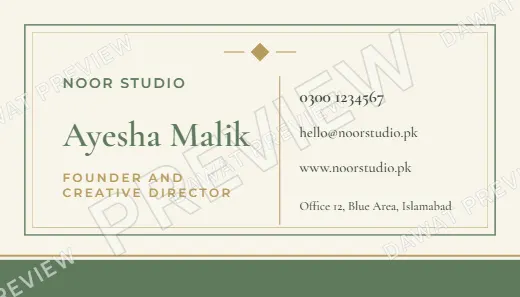
8 visiting card designs
Click a design to type your own details and see it live. Free preview. Download sizes: Visiting card 3.5 x 2 in, Visiting card, high detail.
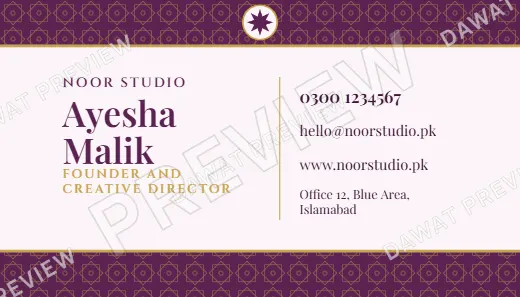
Plum and Gold Classic Banded Visiting Card

Navy and Gold Geometric Star Visiting Card
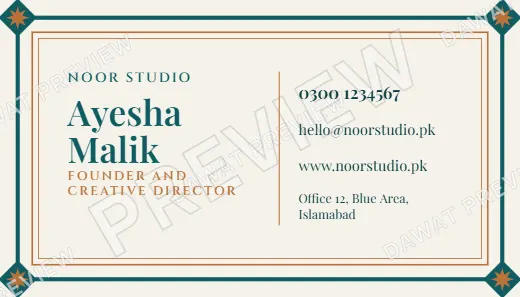
Teal and Copper Royal Frame Visiting Card

Black and Gold Watercolor Wash Visiting Card
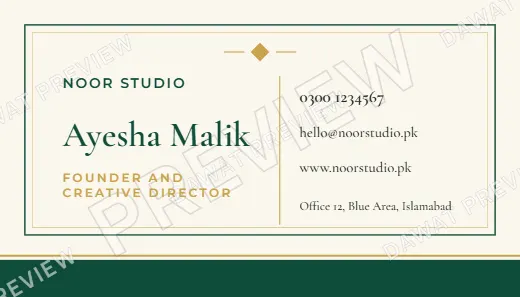
Emerald and Gold Modern Minimal Visiting Card
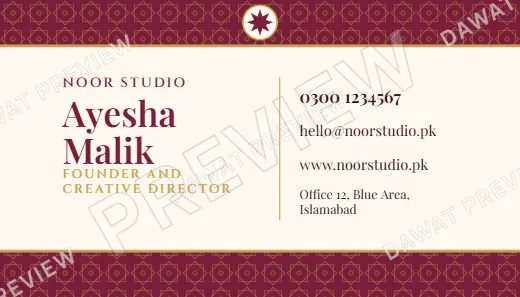
Burgundy and Gold Classic Banded Visiting Card

Lavender and Silver Geometric Star Visiting Card
A visiting card is still the quickest way to leave your details with someone. These designs are clean and professional, in the standard 3.5 by 2 inch size, with the name and title on one side and the contact lines on the other.
Enter your business name, your name and title, phone, email, website and address, and watch the card update. Download a 300 DPI file and send it to any printer. If you are a small shop or freelancer, you can design a card in minutes without a designer.
What to put on a visiting card
Less is more. A name, a role, one phone number, an email or website, and an address if customers visit you. Avoid listing every service.
Name, job title, business name
Mobile and WhatsApp number, email address
Website or social media handle, shop address
How it works
Make your visiting card in three steps
Choose a design
Pick the colours and style that suit your event from the 8 designs above.
Type your details
Fill in the fields and watch the card update live.
Download
Unlock clean Visiting card 3.5 x 2 in, Visiting card, high detail files and print or share. Change the details and download again.
Questions
Visiting Card questions answered
What size is a standard visiting card?
The common size is 3.5 x 2 inches (89 x 51 mm). Dawat exports that size at 300 DPI and a higher detail version.
Can I add my logo?
Logos are not supported inside the editor yet. Leave the space clean and ask your printer to add the logo, or contact us for custom work.
Is the file print ready?
Yes. PNG at 300 DPI and a PDF at the right size. Ask your printer about bleed if you want edge-to-edge colour.
Can I make cards for my whole team?
Yes. A pass lets you change the name and title and download for each person.


Ready to design your visiting card?
Open any design above, type your details and preview it for free.
Start with the first design